




diff0 is coming to town: unified scheduling infrastructure for your softwareSoon

Calendar sync and AI scheduling for all your calendars

With Ridian you sync calendars and contacts, schedule with your AI agent and share availability with clients. Your data stays yours.

7-day free trial · No credit card required

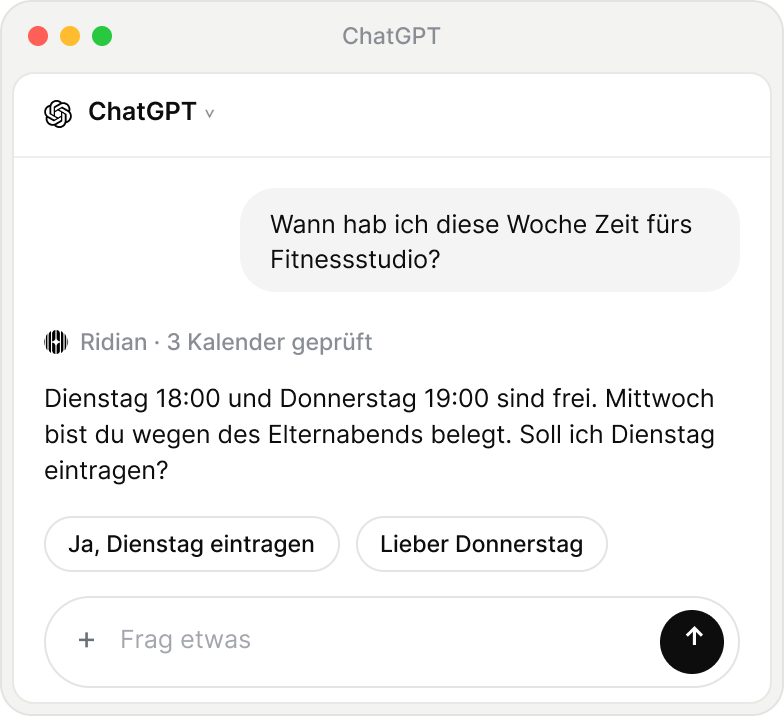
ChatGPT
ChatGPT ⌄
Ridian · Checking calendars …

Yes, book TuesdayThursday instead
+Ask anything↑
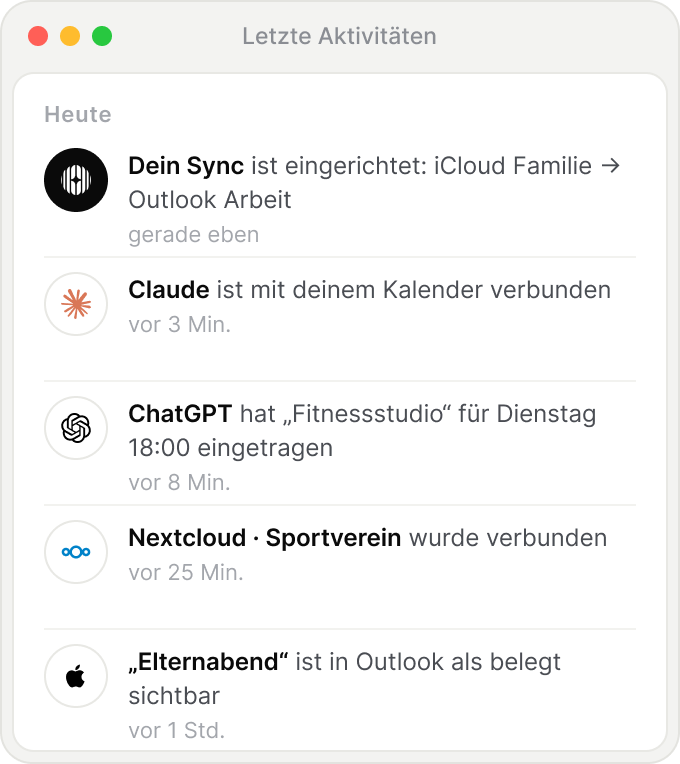
Recent activity
Today
  • Claude is connected to your calendar

  • Nextcloud · Sports club was connected

  • “Parents’ evening” shows as busy in Outlook

  • Your sync is set up: iCloud → Outlook

Sync
Google · personal
iCloud · Family
Outlook
3 calendars · active last: just now
Works with all
major providers
GoogleMicrosoftApple iCloudNextcloudGMXWEB.DEmailbox.orgkSuitePosteoStrato

Platform

What Ridian does for you. Calendar and contact sync, scheduling and sharing, right inside the agent you already work with.

Keep
in sync with every provider.
Sync events, contacts and to-dos. No more double bookings, and your availability is current everywhere.

Full control over what gets shared.

For each connection, you decide whether a calendar sees only “busy”, title and time, or every detail.

Busy onlyTitle & timeEverything
BusyClient meetingClient meeting · Meyer & Co.Thu 4:00 to 5:00 PMThu 4:00 to 5:00 PMThu 4:00 to 5:00 PM · Hafenstraße 12

Syncing calendars has never been easier.

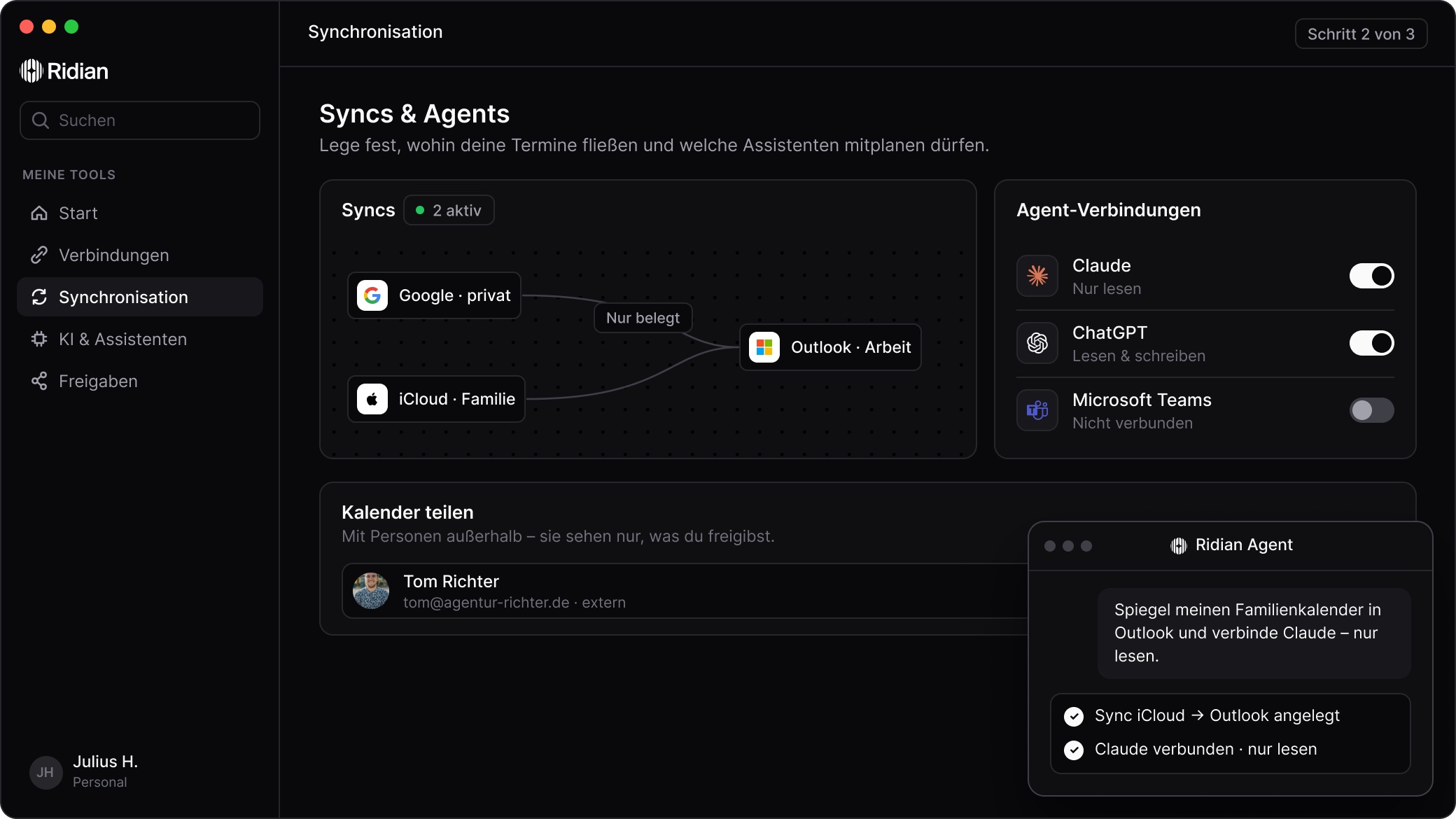
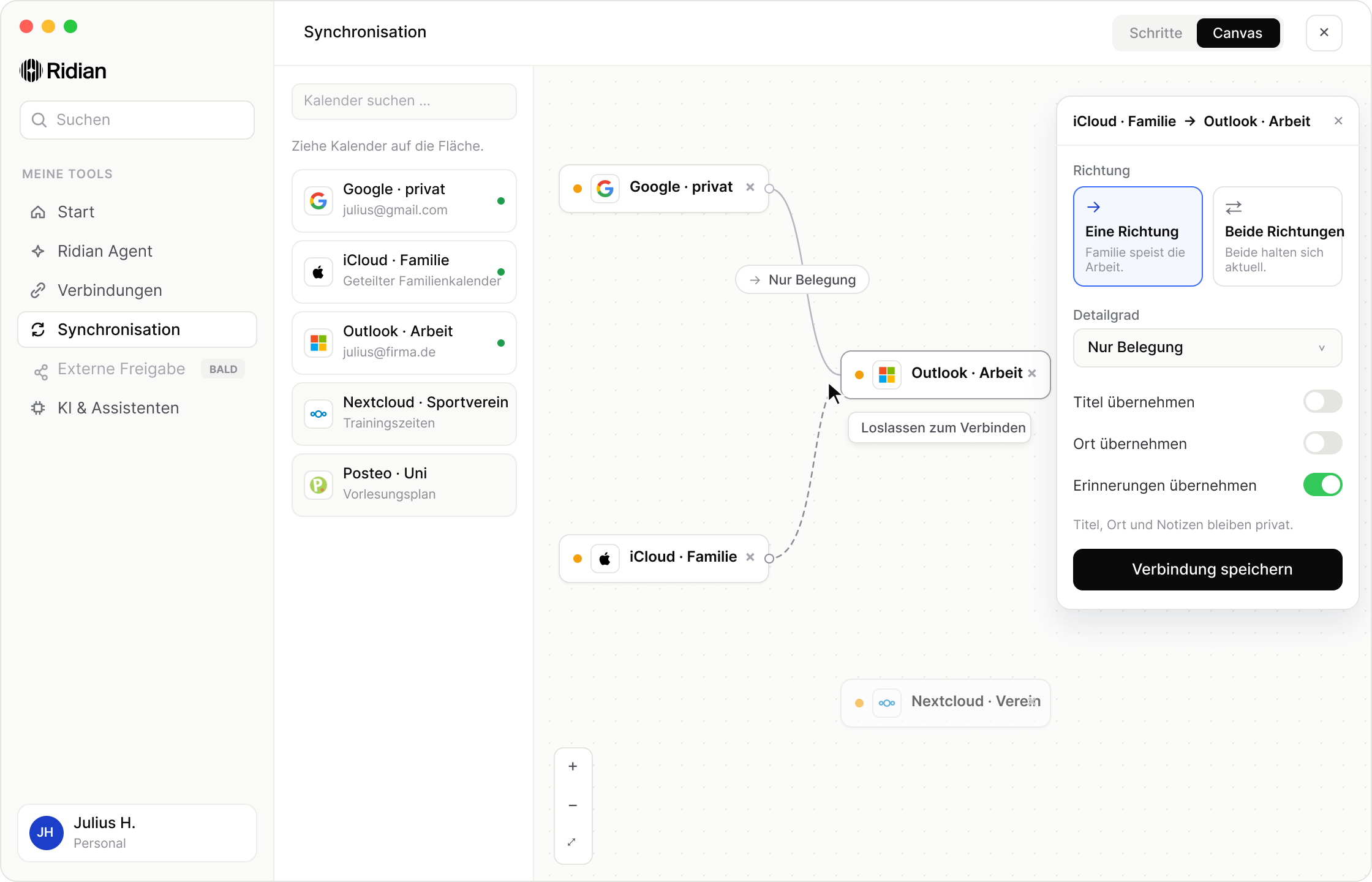
Control everything in Ridian through the Ridian Agent, or through your own agent via MCP. Or connect your calendars visually on the canvas.

Mirror my Google to Outlook, busy only.↑
GoogleWork
OutlookClient
Busy only

Run your workday with .
Schedule meetings, answer invites, find free time, right inside the agent you already use.

The secure way to give agents access to your calendar.

Every agent gets exactly the permissions you grant: read, create or edit.

ChatGPTyour access
Read calendar
Create events
Edit events
Delete events

Everything is traceable.

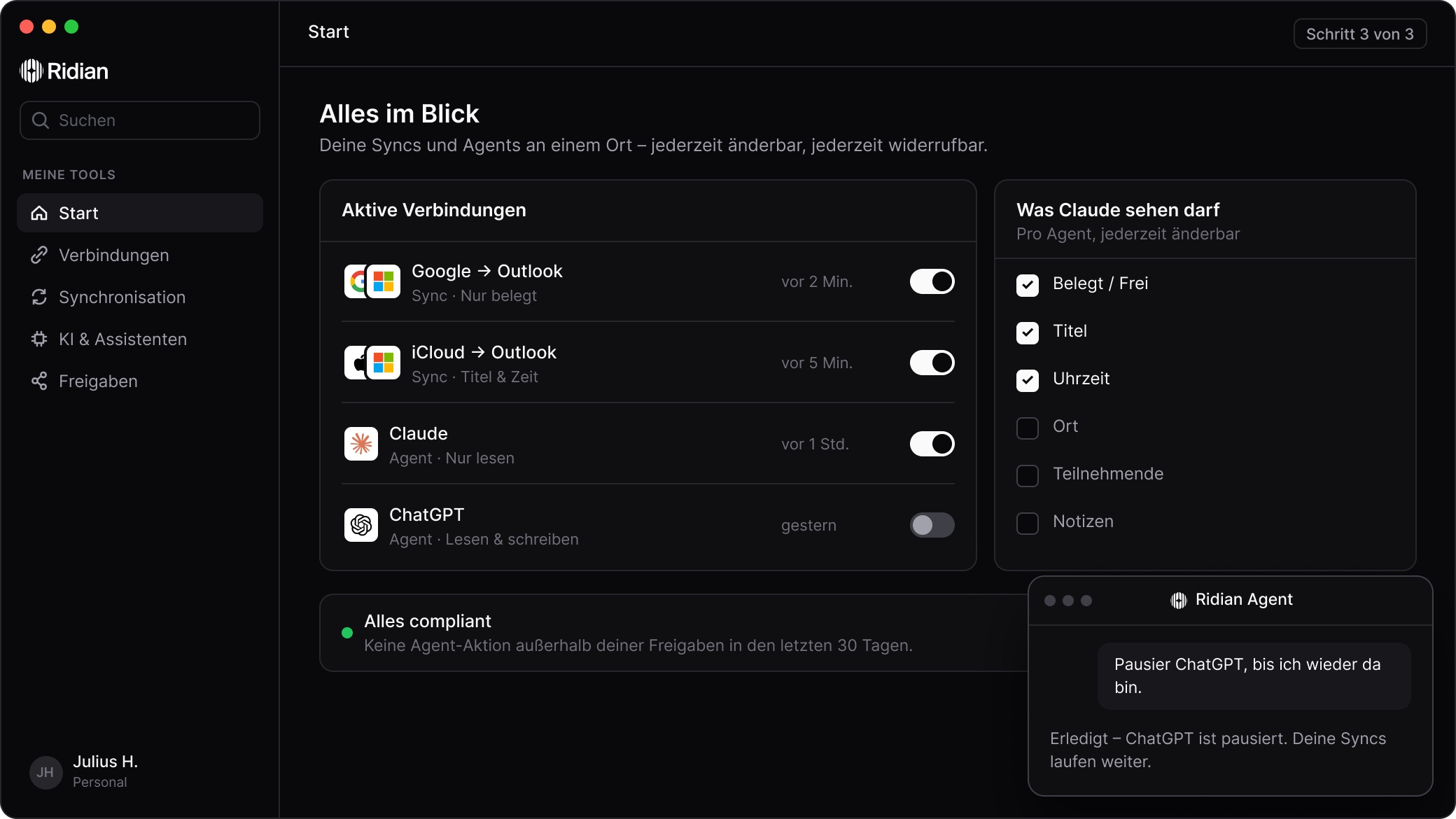
See every action your agents take and pause access in one click. Your syncs keep running.

Created “Call with Meyer”ChatGPT · 9:42 AMUndo
Moved “Proposal”Claude · 9:10 AMUndoRestored
Synced Google to Outlook4 events · 8:55 AMUndo
ChatGPTActivePaused · Syncs keep running

Share your availability with clients and partners. One invite is all it takes. They see your events in their own calendar, in exactly as much detail as you choose.

Your calendars and contacts
as building blocks for your workflows in .
Find slots, add events, create contacts. Build the automations that save you time at work, step by step.

Onboarding

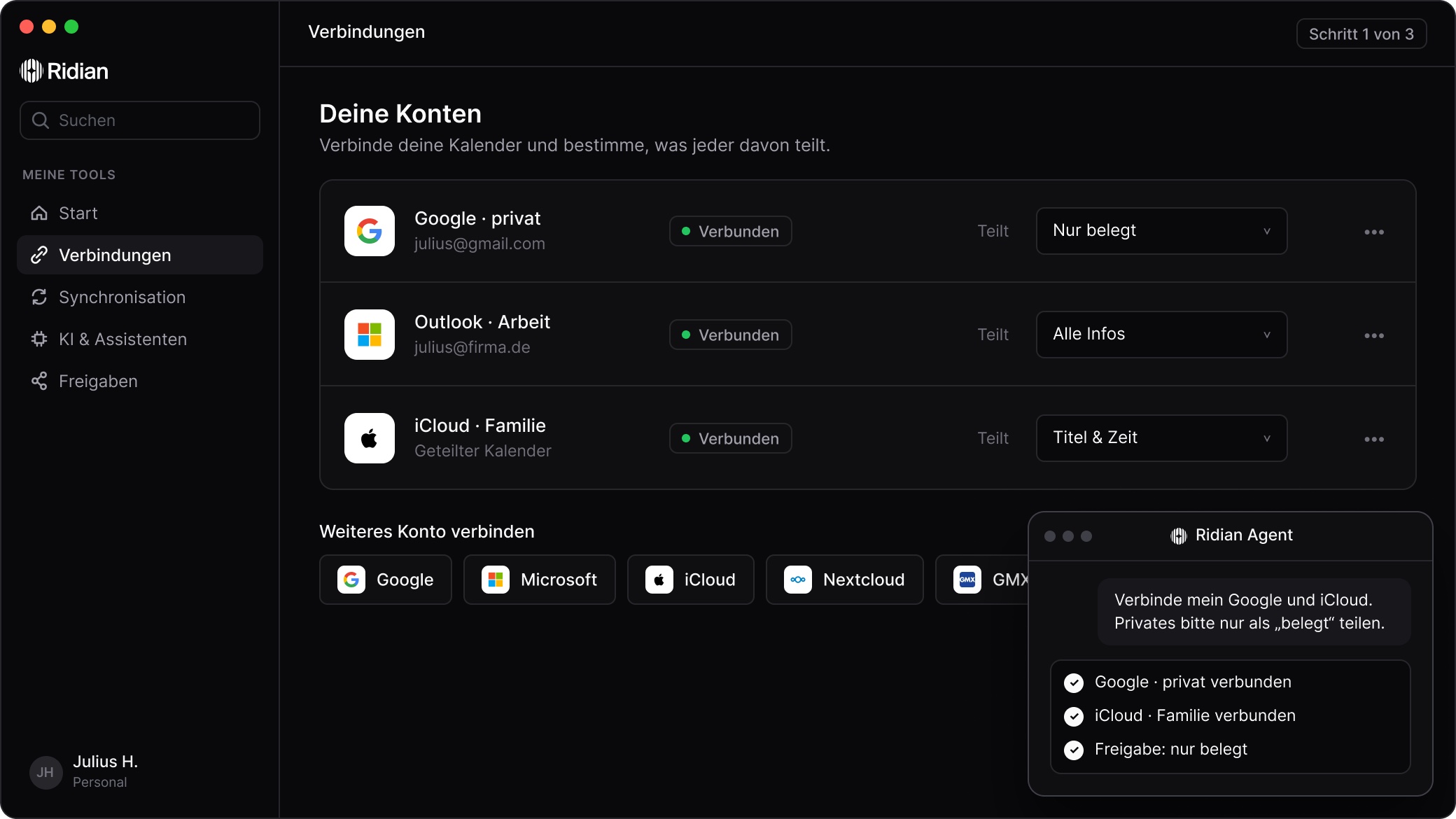
Up and running in three steps.

Set everything up yourself, or tell your agent how your syncs should work.

From the field

Hear it from our customers. People who made everyday scheduling simpler with Ridian.

“Ridian makes our planning so much easier. Everyone sees right away who is free, and the endless back and forth is gone.”
GLOBE Fuel Cell SystemsTeam
“Ridian keeps my private and work calendars in sync. I plan my day in five minutes each morning with my agent. Really great.”
Felix HehnGTM Manager, JMW Fire
“With Alvin on the team, scheduling feels like magic. One quick chat message and it's done. Our planning effort is practically zero.”
1886 VenturesTeam
“Running several businesses, I constantly show clients when I'm free. Now I share it in one click and handle the rest with my agent. Brilliant!”
Luis OtterbeckFounder, Luivera Studios
“Letting agents loose on our calendars was out of the question. With Ridian we decide what each one may do and see everything in the audit log.”
ASAnna SchulteCompliance
“Scheduling used to eat up hours every week. Today it just runs in the background. Merci, Ridian!”
Paul AllemeierManaging Director, éclat studios
“My employer only sees 'busy', my clients see their slots. New meetings I simply create with my agent straight from Claude Code.”
Julius RichterSoftware Developer, freelance and employed
“We plan straight from Claude and ChatGPT and decide exactly what the agents may do. That's what convinced us.”
SUEDHANGTeam
“My job and my own clients kept overlapping. Since Ridian, I see at a glance when I'm actually free.”
JWJette WeyersSEO at holidoo and freelance
“Our sales team has dozens of calendars. Every sync used to be a small project. Now you just tell your agent.”
TKTobias KrügerHead of Sales
“I'm on the job site, not at a desk. One glance is enough: client visits, supply runs and family in one calendar.”
Louis HügleSelf-employed electrician
“New people sign in with SSO and set up their syncs and agents themselves. Not a single ticket lands in IT anymore.”
JKJan KöhlerIT Administration
“Shoots, approvals, launches: I plan it all with my agent, and an n8n workflow puts it into the right calendars.”
Leonid SchmidtMarketing Manager
“One team on Google, the other on Microsoft 365. Ridian connected both, and I manage every sync in one place.”
LMLukas MeierHead of Operations
“I'm not a tech person. Still, my agent now plans my timetable, and nothing clashes with my management work anymore.”
Oliver HasenzahlLecturer and manager

Security & Compliance by Design

Made in Germany. Secure for teams worldwide.

GDPR compliant
Hosted in Europe
ISO 27001 certified partners
Modern encryption
No training on your data
DPA for business useGo to Compliance Center →

FAQ

Common
questions

Ask the Agent
Answers from the Ridian docs
Online

Or go straight to the docs →

Ridian keeps your calendars, contacts and to-dos in sync across every provider and connects them to the AI agents you work with. You decide what goes where.

Google Calendar, Microsoft 365 and Outlook, Apple iCloud and CalDAV providers such as Nextcloud, GMX, WEB.DE, mailbox.org, kSuite, Posteo and Strato. Ridian syncs contacts and to-dos with Google and Microsoft.

Only as much as you want. For every connection you choose whether a calendar sees “busy” only, title and time, or all details.

Yes. Combine Outlook and Google in one share, for example. The person sees everything in their own calendar, and you can end the share at any time.

Assistants with MCP support such as Claude or ChatGPT. They only see the calendars and actions you allow, and you can revoke access at any time.

Every action is in your log. Undo it with one click or pause the agent. Your syncs keep running.

Yes. For business use, for example as a freelancer or self-employed professional, you'll find the DPA in the Compliance Center. The application, database and backups run in the EU region Ireland.

Try Ridian free for 7 days, no credit card required. A public price list is coming.

Coming soon

Build with diff0.
Unified scheduling infrastructure for your software.

Access Beta →

Ready for calendar sync and AI scheduling with your agent?

Start 7-day free trial →

No credit card required